Record
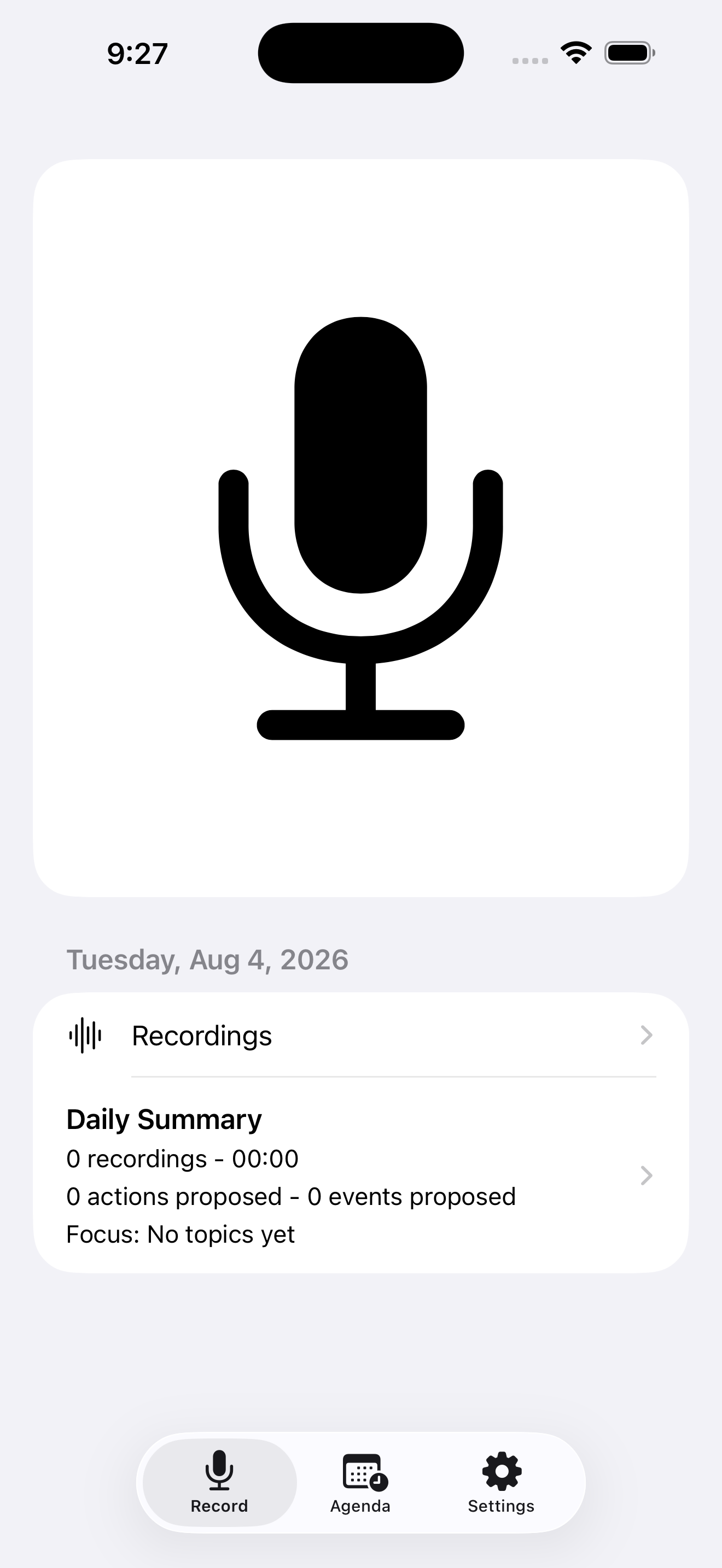
Tap Record and speak. Capture starts from an explicit user action.
VoiceAgenda · Agenda & Daily Note
Speak naturally, keep the recording and transcript local, and shape the result into a Daily Note. Calendar and Reminder actions stay reviewable until you confirm them.
 $2.99 · One-time purchase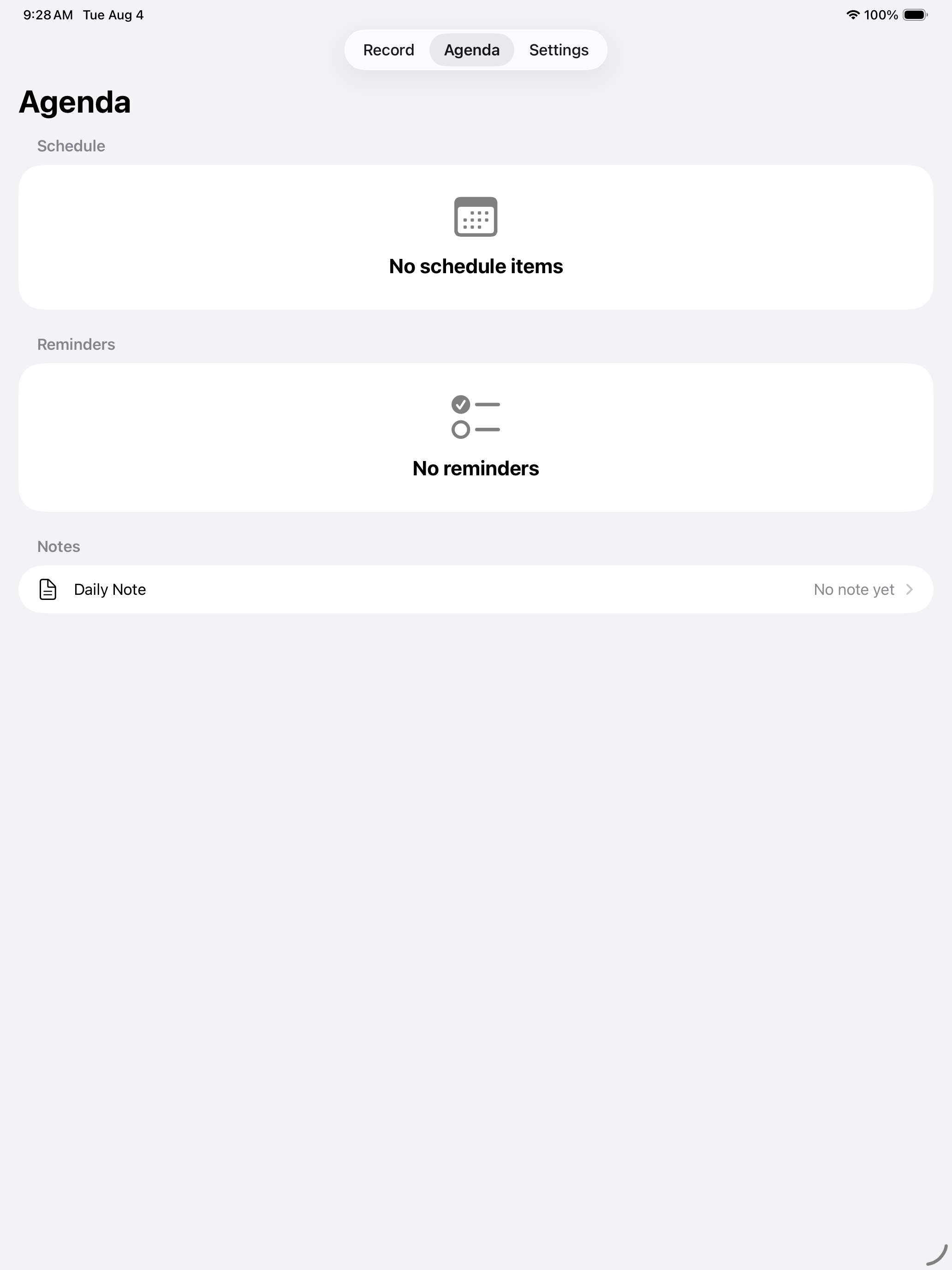
The workflow
One intentional capture moves through a durable local path before anything reaches Calendar or Reminders.
Tap Record and speak. Capture starts from an explicit user action.
Audio is saved locally, then speech is processed with Apple capabilities when available.
The capture becomes a transcript, summary, and durable Daily Note.
Inspect proposed Calendar and Reminder actions with their source context.
Create only the actions you choose after review and confirmation.
Calendar and Reminder changes never happen automatically without your review and confirmation.
Review before confirm
VoiceAgenda starts when you tap Record. The audio saves on the supported iPhone or iPad, and Apple speech capabilities process it where available. The result is a durable Daily Note with a transcript, summary, and proposed actions. VoiceAgenda is sold as a paid-upfront App Store app; there is no subscription.
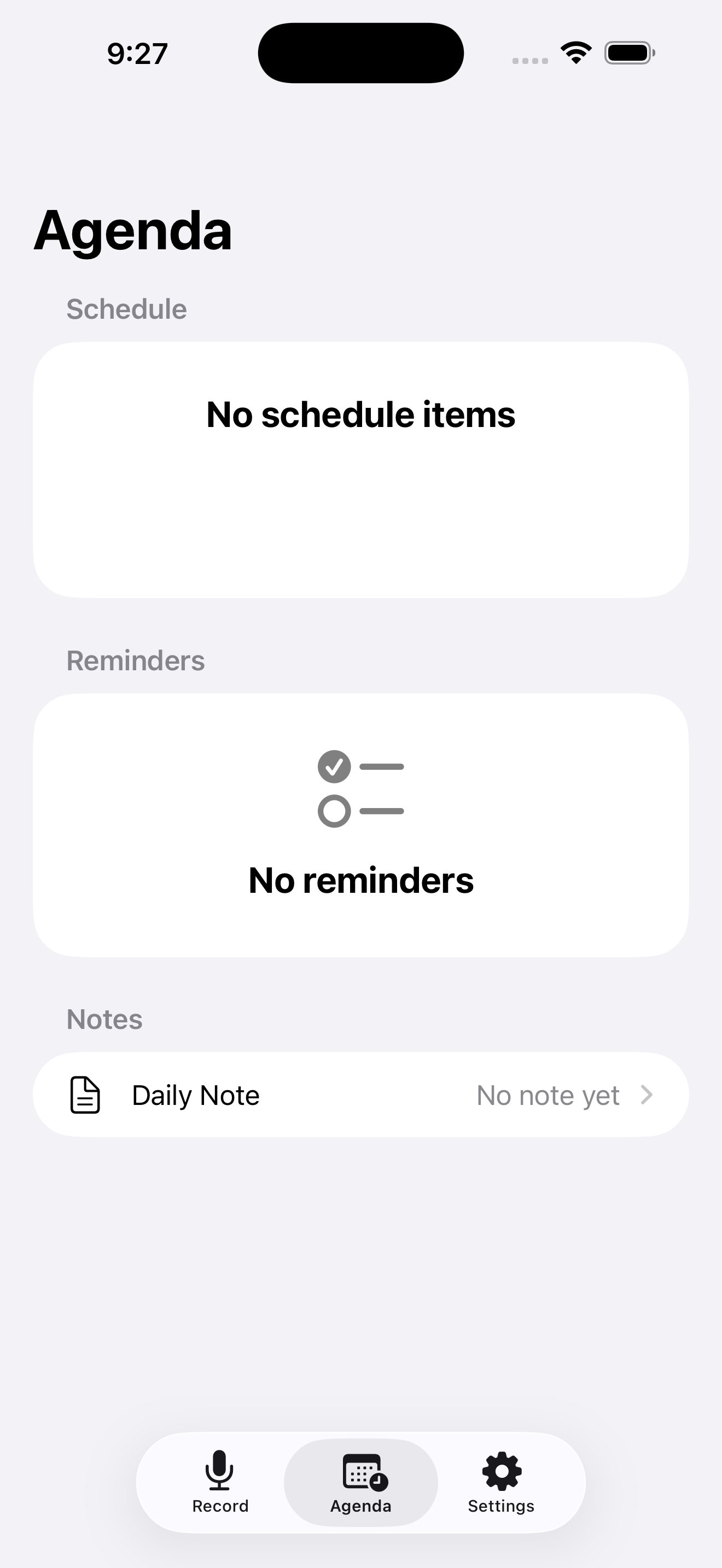
The Daily Note holds the transcript, summary, and proposed actions before you confirm a Calendar or Reminder change. The recording sits beside the note, so you can check the proposed action against the source before confirming it. When on-device analysis is unavailable, transcription shows as pending. Calendar and Reminders only change after you confirm them.
Private by design
Supported boundary
The full experience requires a compatible iPhone or iPad, the required public iOS/iPadOS version, Apple Intelligence/Foundation Models availability where required, supported English language and region settings, and sufficient local storage.
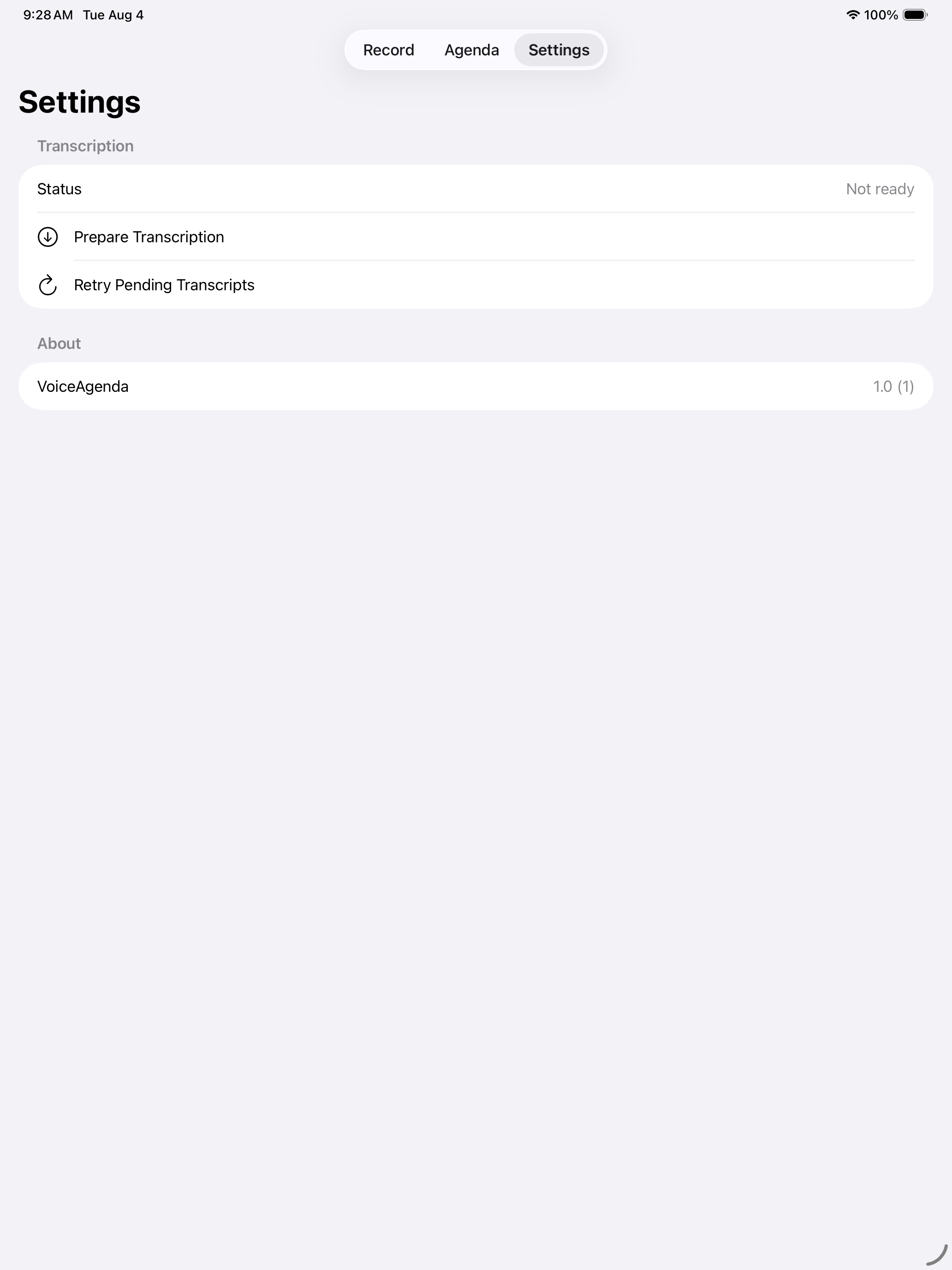
iPhone and iPad support does not mean every device supports the full analysis workflow. If on-device analysis is unavailable, recording and local content access remain available while analysis may be pending.
Questions before you buy
No. VoiceAgenda is a paid upfront App Store app. The final storefront price is shown on the App Store.
No. VoiceAgenda V1 does not require a VoiceAgenda account or developer-hosted content service.
No developer-hosted VoiceAgenda content service is used in the V1 workflow. Recordings, transcripts, notes, and action candidates stay local in the app workflow.
No. VoiceAgenda proposes actions for review. Calendar and Reminder changes happen only after you review and confirm them.
No. Android and web are outside the V1 product boundary. VoiceAgenda is for supported iPhone and iPad devices.
Recording and local content access remain available. Transcription or analysis may be unavailable or pending until the required Apple capability is available.
Visit the VoiceAgenda support page or email hello@helio.to.
Read the VoiceAgenda section of the site privacy policy.
Need help?